01
The pet stays the visual anchor
Each direction asks for a supporting environment, not a scene that competes with the face and pose.
A new setting, chosen in one tap
Choose a restrained background direction instead of writing a prompt. The server turns that choice into the editing brief while keeping your pet's face, coat, and pose central.
Creative scene changes can reinterpret small details. Always compare the returned face, markings, paws, and coat against the original.
Scene desk 01
Four curated directions cover a polished portrait, outdoor calm, a familiar interior, and a clean neutral background.
JPG, PNG, or WebP up to 10 MB. Use one clear photo with the pet fully visible.
Art direction without an empty box
The page replaces open-ended prompting with practical presets that are easier to compare and safer to reproduce.
01
Each direction asks for a supporting environment, not a scene that competes with the face and pose.
02
Choose the mood in plain language. The detailed scene and identity instructions remain on the server.
03
Studio, garden, home, and solid cream cover polished, natural, familiar, and layout-friendly needs.
A new place, the same pet
Each result keeps the source in view, so the new environment never distracts from the real question: does the pet still look like itself?
Curated synthetic demonstrations — not user submissions.
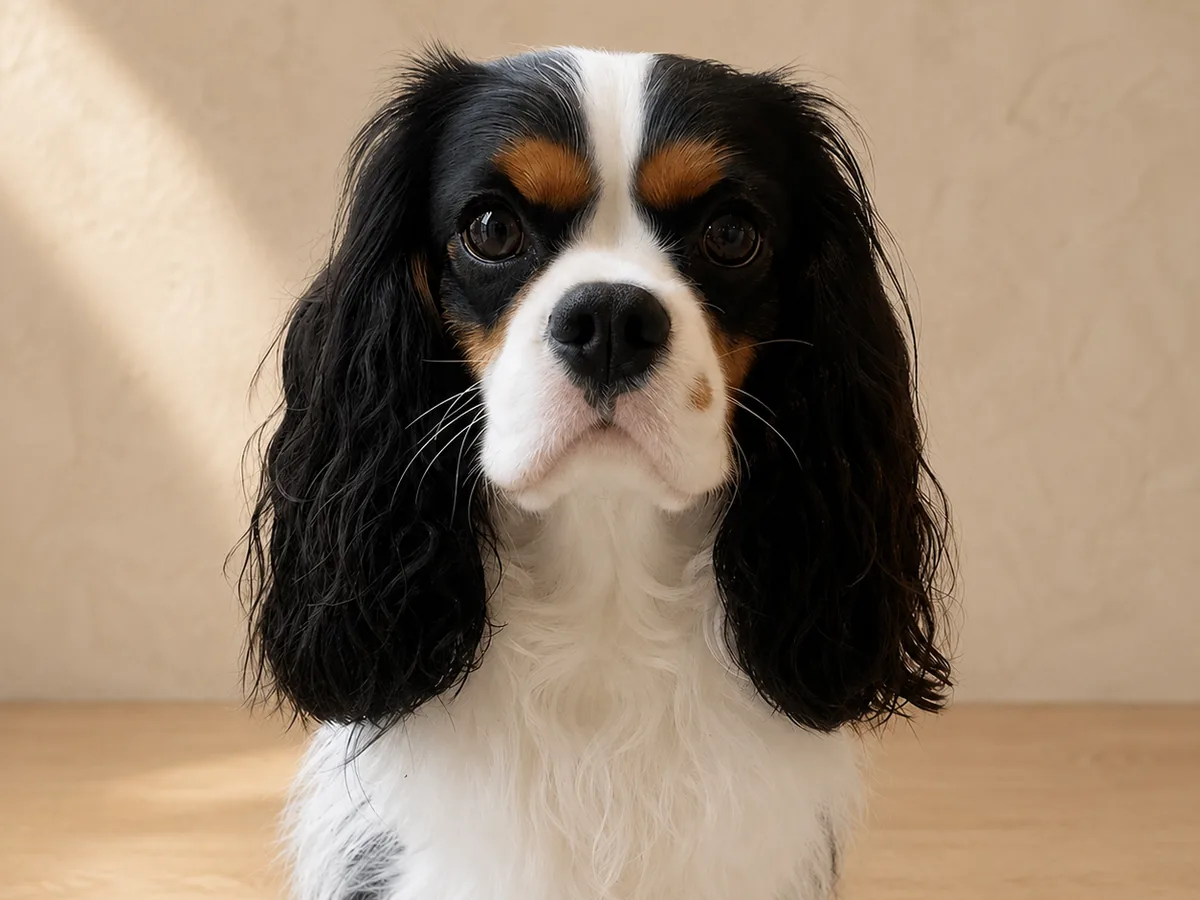 New scene
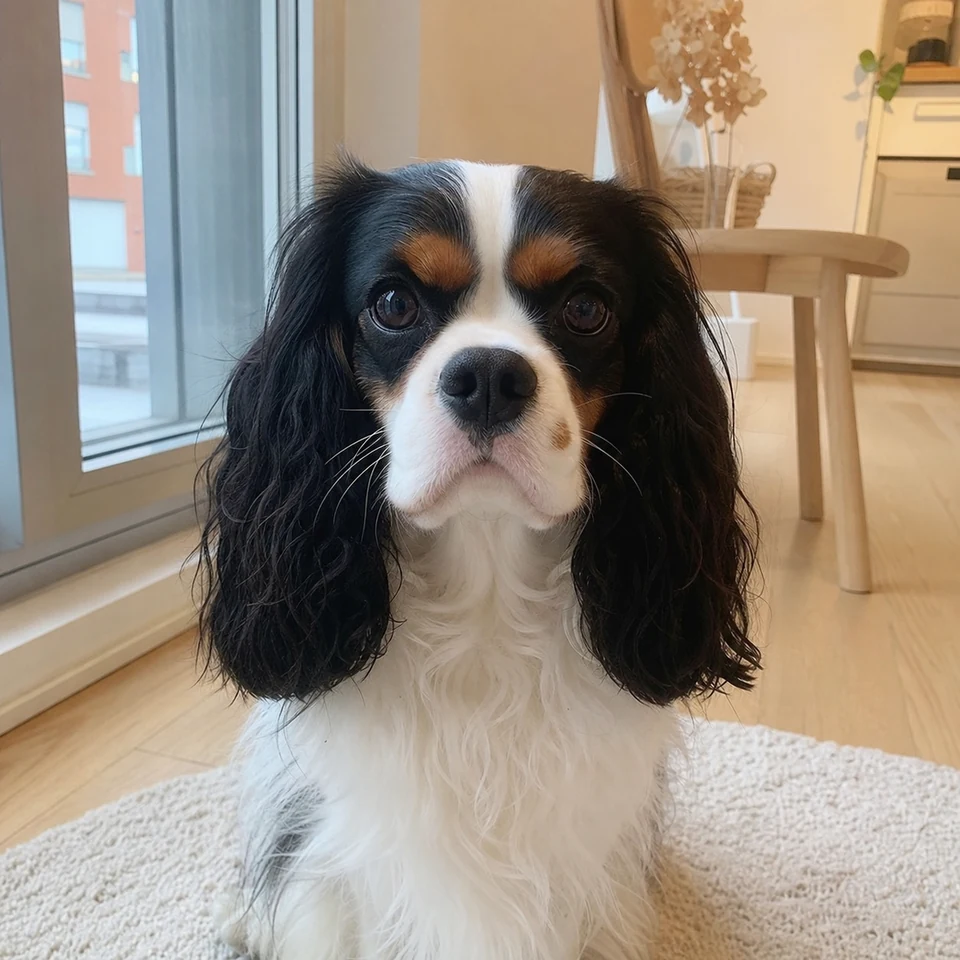 Source photo
A studio scene works when its light supports the face and coat instead of repainting them. Warm neutrals keep familiar markings central.
Look closely
Synthetic demo for visual guidance. Results vary with the source photo.
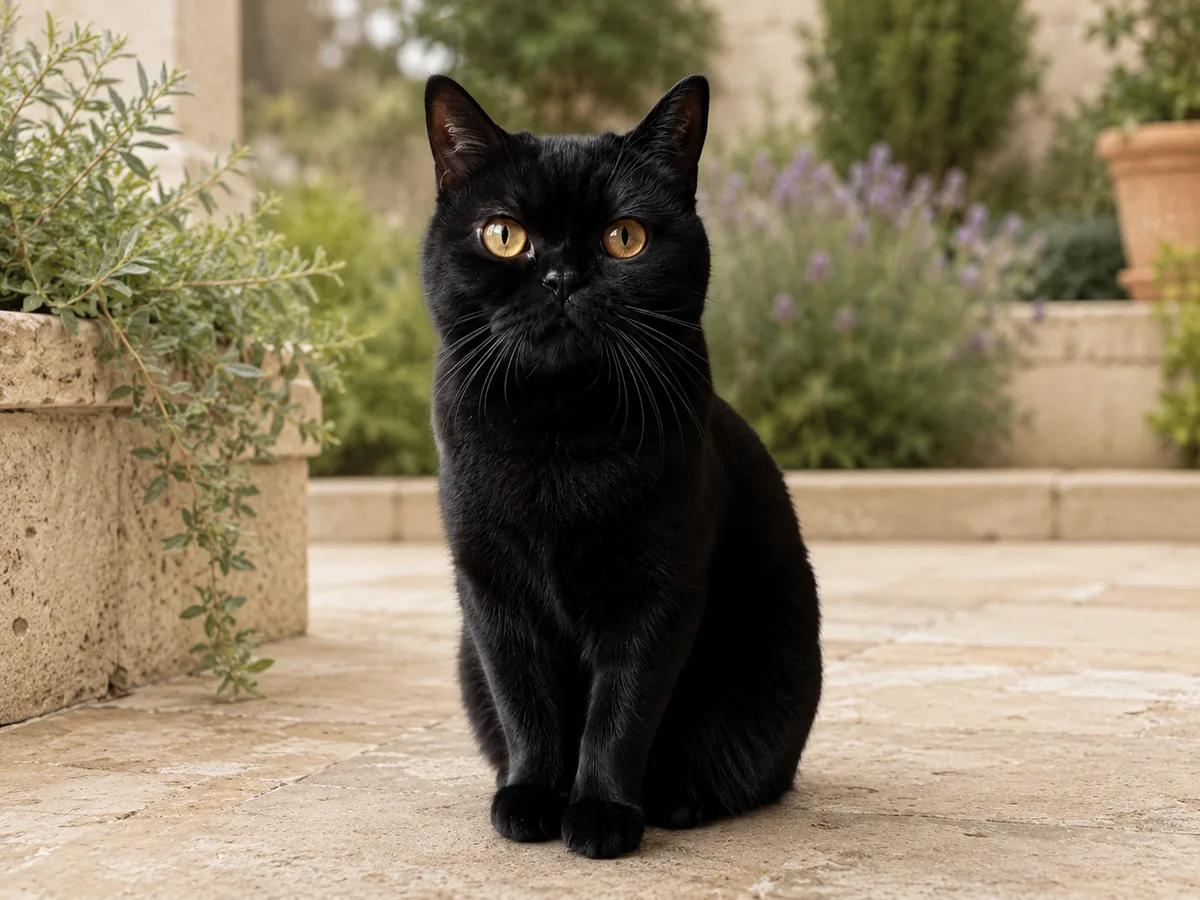 New scene
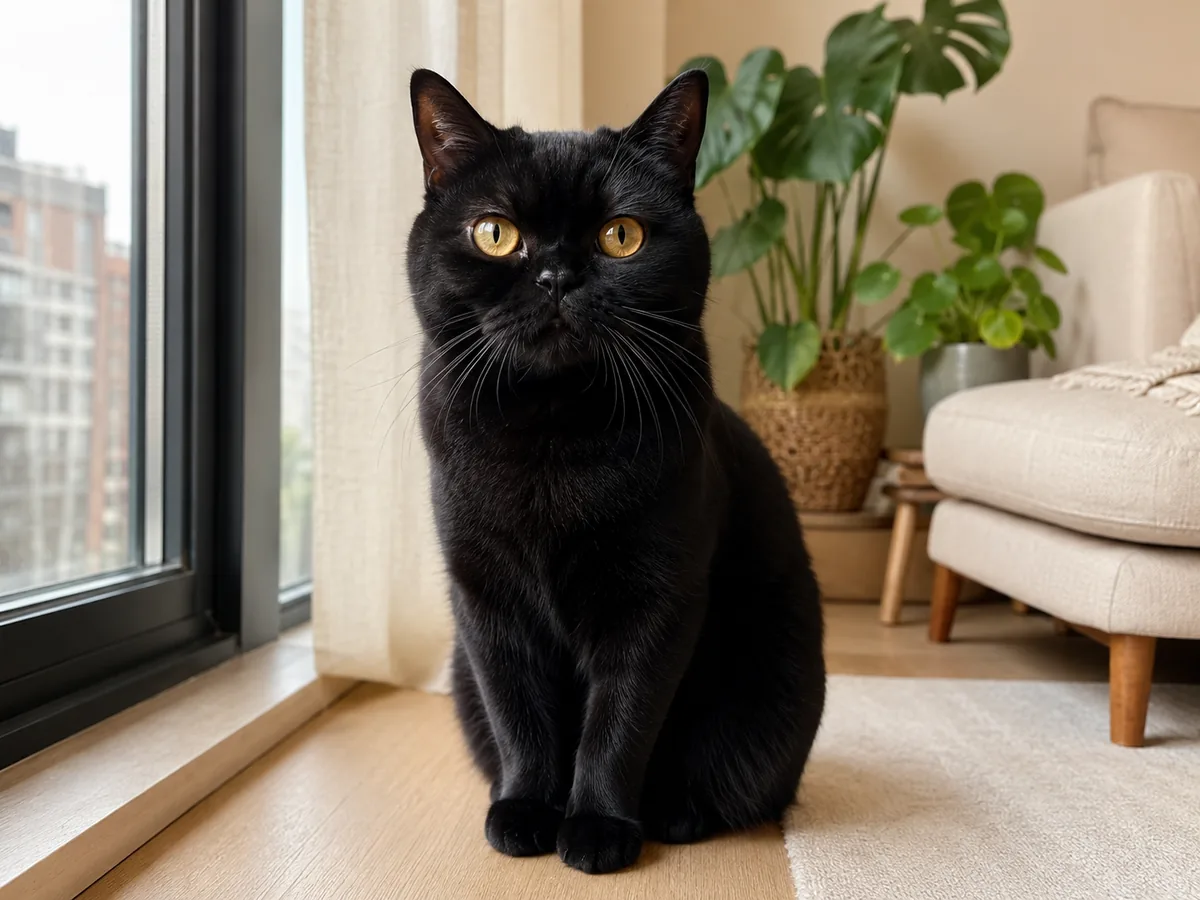 Source photo
Natural greenery adds depth, but reflected color should not tint black fur. The amber eyes and crisp silhouette remain central.
Look closely
Synthetic demo for visual guidance. Results vary with the source photo.
A focused three-step workflow
One source photo and one curated scene choice are enough to start the edit.
Pick a photo with an unobstructed pet and enough space around the body for the new setting to feel natural.
Use Studio, Garden, Home, or Solid Cream. The page does not expose a free-form scene prompt.
Compare the face, eye color, markings, paws, tail, and pose. Keep only the result that still reads as your pet.
Clear product boundaries
The selected background is a direction, not a pixel-perfect guarantee about every object and light source.
The first version intentionally offers four background directions and no custom text prompt.
Whiskers, small markings, jewelry, and partially hidden paws deserve a close comparison with the original.
This tool changes the picture only. It does not include printing, framing, product manufacturing, or physical delivery.
Before you start
Source-photo quality still matters. These answers explain what the current tool is designed to do.
No. The first version uses four curated presets so the interface stays predictable and the server can keep the art direction controlled.
Solid Cream is the cleanest layout-friendly option. Warm Studio adds more depth while keeping the pet formal and centered.
The edit is instructed to preserve identity, pose, and markings, but creative image processing can reinterpret fine details. Review the returned image carefully.
This page returns a completed scene. Use Pet Background Remover when your intended final asset is a transparent-background image.