AI Paint My Pet

Pet Photo Expander

A pet photo expander for more room around the moment.

Choose the edge that needs more room. The tool extends the surrounding scene while leaving your uploaded photo as the visual anchor.

Start with a photoNo prompt to write
MORE ROOM, SAME CENTER
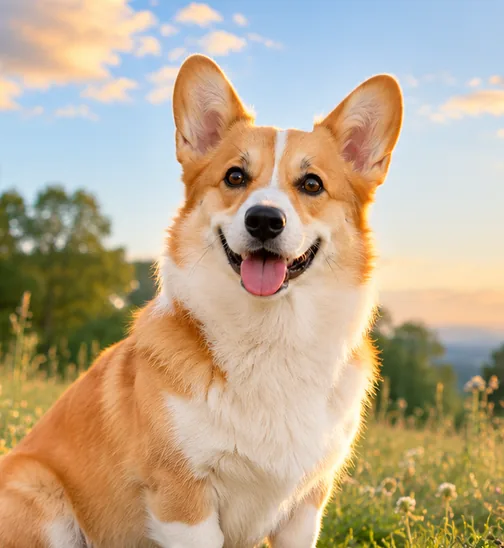
A tight crop of a corgi sitting in a sunset meadow.
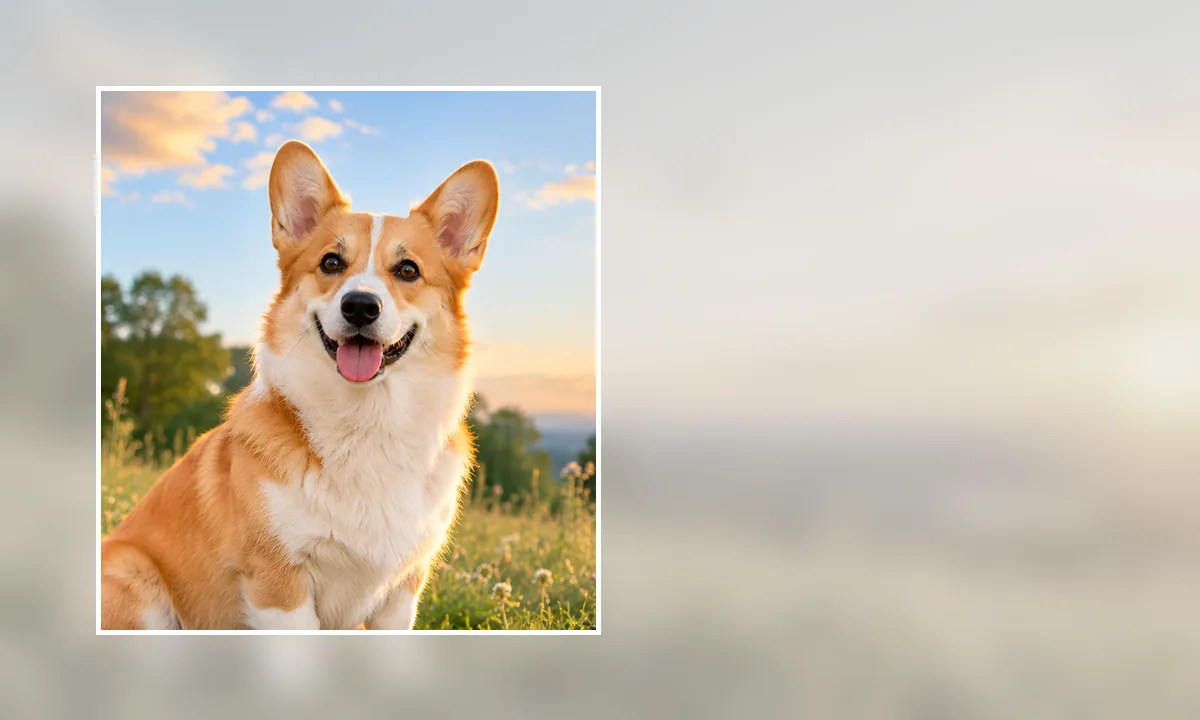
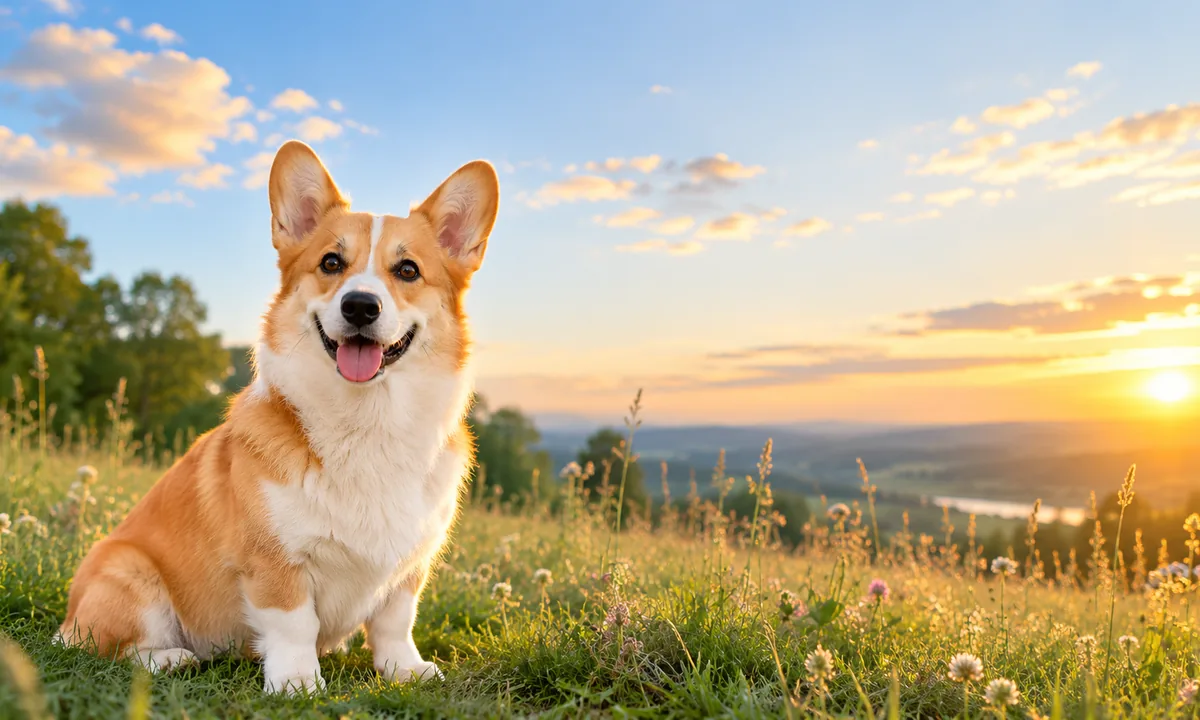
A wide sunset meadow expanded around the same corgi with open space on the right.
Original frameExpanded canvas
Drag to compare the source and result

A focused editing desk

One photo. One clear decision.

Upload a clear pet photo, choose the only setting this task needs, and review the returned image before downloading it.

More room, not a stretched pet

See the new canvas and the original frame at the same time.

Expansion adds believable surroundings beyond the original crop. The dashed frame shows exactly where the source image ended.

Curated synthetic demonstrations — not user submissions.

A wide sunset meadow expanded around the same corgi with open space on the right.Expanded canvas
A tight crop of a corgi sitting in a sunset meadow.
A wide sunset meadow expanded around the same corgi with open space on the right.
01Space for a headline

Build breathing room beside the subject.

A horizontal canvas can turn a tight pet photo into a banner. Added meadow and sky should follow the same sunset light without stretching the corgi.

Look closely

  • The corgi keeps its original proportions inside the marked frame.
  • New sky and meadow create usable copy space toward the right.

Synthetic demo for visual guidance. Results vary with the source photo.
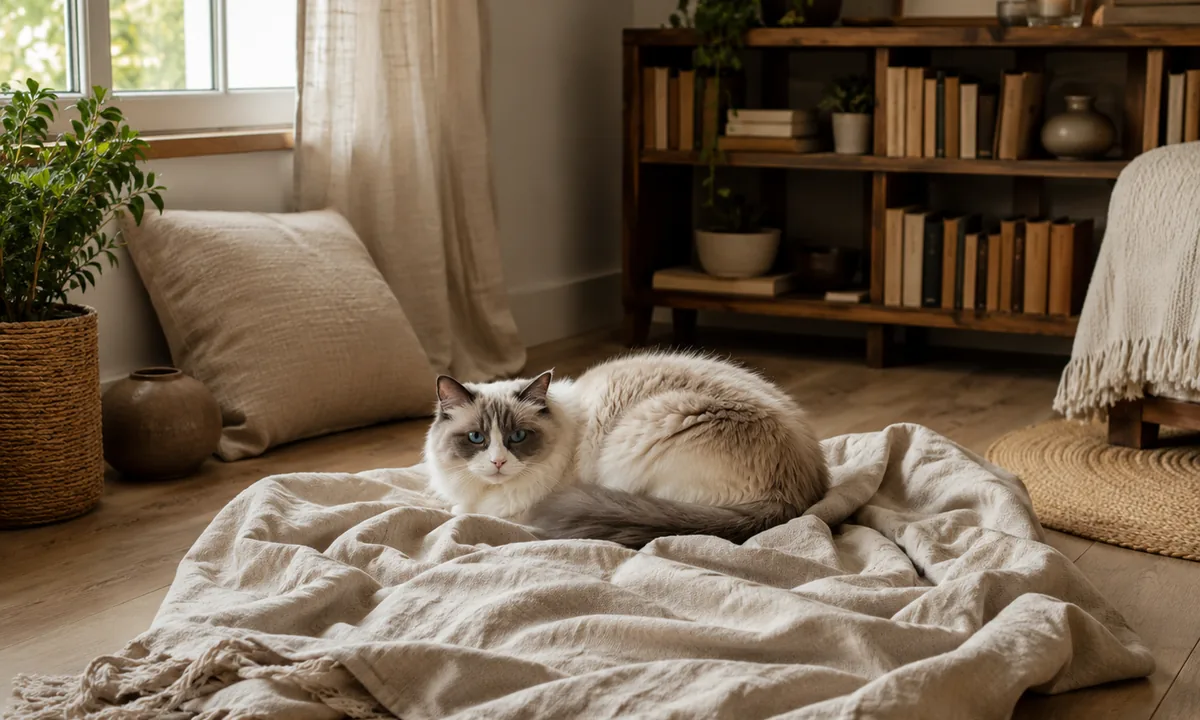
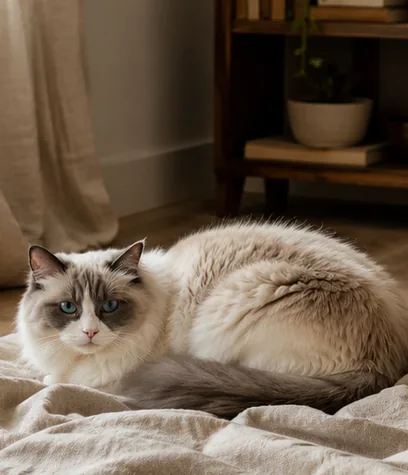
A wide view of the same cozy room expanded around the resting cat.Expanded canvas
A tight square crop of a blue-eyed cat resting on a blanket indoors.
A wide view of the same cozy room expanded around the resting cat.
02Room around the moment

Extend a cozy scene in every direction.

All-around expansion helps a crowded subject. The room should continue its architecture, light, and material rhythm instead of adding random objects.

Look closely

  • The cat stays at the original scale and position inside the source frame.
  • Floor, window, blanket, and shelves continue with consistent perspective.

Synthetic demo for visual guidance. Results vary with the source photo.
A useful tool, with honest edges

New space is a visual continuation, not recovered camera data.

The added area is generated to fit the visible scene. It can look natural, but it is a new interpretation of what might exist beyond the original frame.

Turn the finished photo into art

Works well for

  • Simple walls, floors, lawns, blankets, and softly blurred rooms
  • Photos where the pet stays inside the original frame
  • Layouts that need moderate copy space or extra headroom

Keep in mind

  • Complex architecture, text, and repeating patterns may reveal seams or inconsistencies.
  • Do not treat the generated surroundings as documentary evidence of the original scene.

Before you edit

Small answers that prevent big surprises.

01

Does expanding the photo resize my pet?

The task adds space around the image rather than deliberately enlarging the subject, though the returned canvas dimensions may change.

02

Can I choose an exact number of pixels?

Not in this focused version. Choose a direction and the tool uses a balanced expansion amount.

03

Which backgrounds expand most naturally?

Continuous textures such as walls, floors, lawns, blankets, and soft bokeh usually provide the clearest context.