01
Fine fur gets explicit attention
High quality is intended for the places where hair meets a similarly colored or detailed background.
A cleaner cut around the character
Turn one pet photo into a transparent-background result without painting a mask or describing the scene. Choose the edge treatment, then inspect whiskers and fine fur.
Transparent output depends on a successful live task. The page does not fake transparency with a checkerboard placed behind the original photo.
Cutout desk 01
Standard suits clear silhouettes. High quality spends more processing effort on long fur, whiskers, and visually busy boundaries.
JPG, PNG, or WebP up to 10 MB. Use one clear photo with the pet fully visible.
Built around difficult outlines
Clean backgrounds are easy. The real check is whether ears, tails, whiskers, and soft coat edges remain believable.
01
High quality is intended for the places where hair meets a similarly colored or detailed background.
02
Only a returned file with a real alpha channel is presented as the completed transparent result.
03
A reviewed cutout can become an input for a layout, keepsake concept, or a new background.
Edges under inspection
Switch the preview background to inspect long ear fur, dark coats, whiskers, and the space around the paws.
Curated synthetic demonstrations — not user submissions.
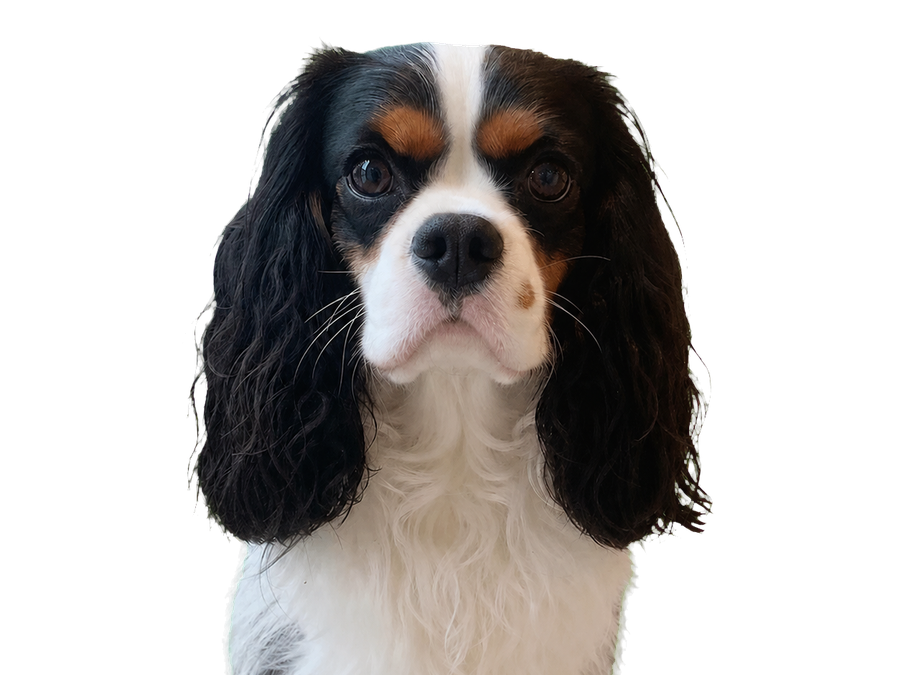 Transparent result
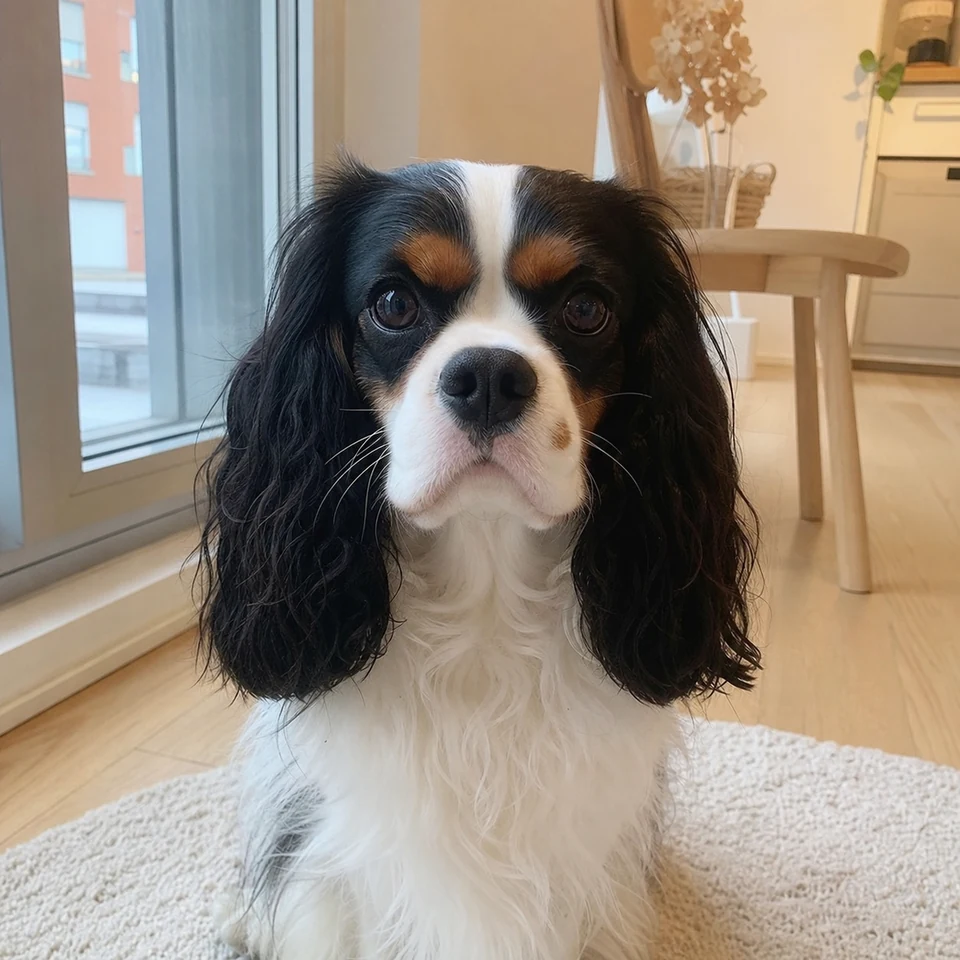 Source photo
Feathered ears and a white chest reveal rough masks immediately. The result should follow the real coat edge without leaving a bright indoor halo.
Look closely
Synthetic demo for visual guidance. Results vary with the source photo.
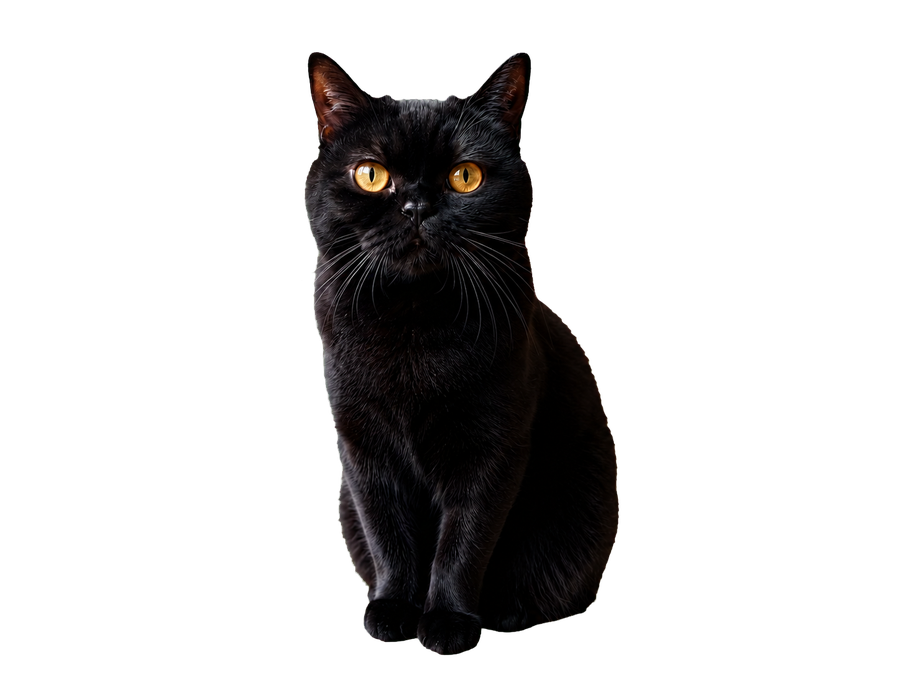 Transparent result
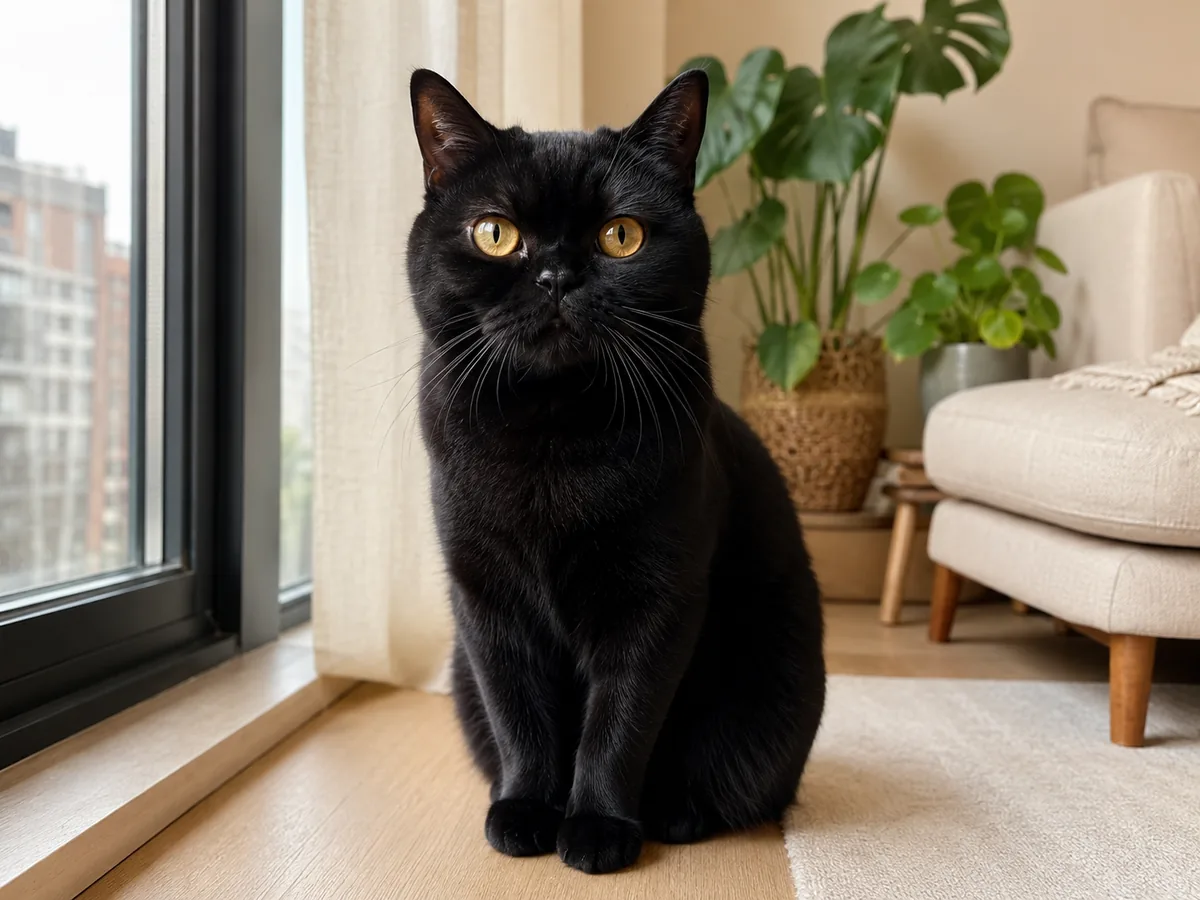 Source photo
Black fur can disappear on a dark preview while edge spill appears on a light one. The toggle makes both problems easy to spot before download.
Look closely
Synthetic demo for visual guidance. Results vary with the source photo.
A focused three-step workflow
The page keeps masking decisions simple while making the edge review impossible to miss.
Use a photo where the full pet edge is visible. Cropped ears, paws, or tails cannot be reconstructed by background removal.
Standard is faster for simple silhouettes. Fine-fur detail is the safer choice for curls, long coats, and whiskers.
Open the returned image over light and dark backgrounds, then check ears, whiskers, paws, and the underside of the coat.
Clear product boundaries
This page is strict about what it calls finished and where source-photo limits remain.
The original photo is never layered over a pattern and presented as a transparent cutout.
Background removal separates what is visible; it does not reliably invent paws, tails, or ears outside the frame.
Fine fur against foliage, rugs, or similar colors can still need another source photo or a manual finishing pass.
Before you start
Source-photo quality still matters. These answers explain what the current tool is designed to do.
When the live task succeeds, the result is expected to be an image with transparency. Inspect it in an editor or over contrasting colors before using it in a final design.
Choose Fine-fur detail for long coats, curls, feathered ears, and visible whiskers. A simple background still improves the final edge.
This page focuses on a transparent cutout. Use the Pet Background Changer when you want a guided studio, garden, home, or cream setting.
You will see the actual upload or processing error. The page does not substitute a pre-made transparent sample.