AI Paint My Pet

Browser-based Pet Portrait Cropper

A free pet portrait cropper for every useful frame.

Choose a useful ratio, drag your pet into place, zoom with care, and export a clean PNG directly from your browser.

Crop a pet photoRuns in your browser
CROP DESK 01
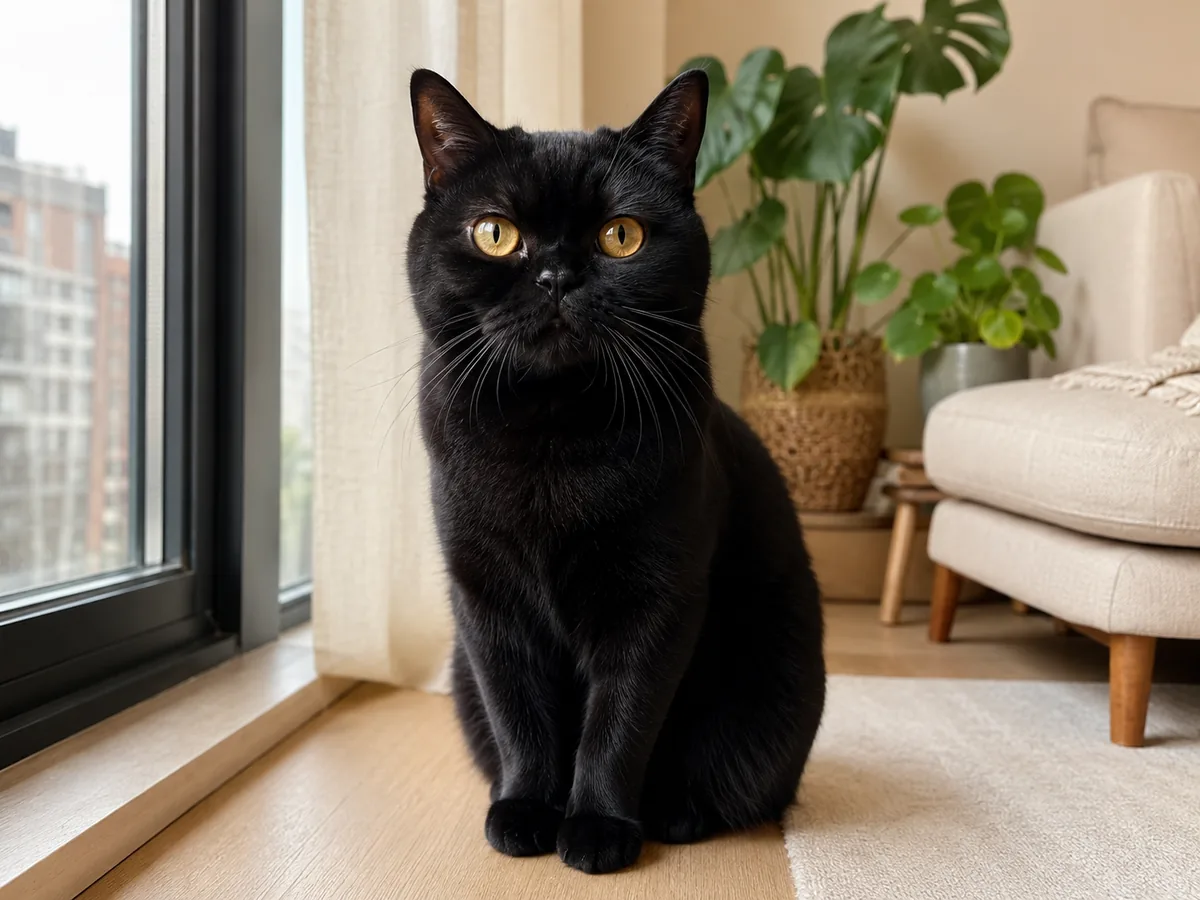
A full photo of a black cat with amber eyes beside a window.
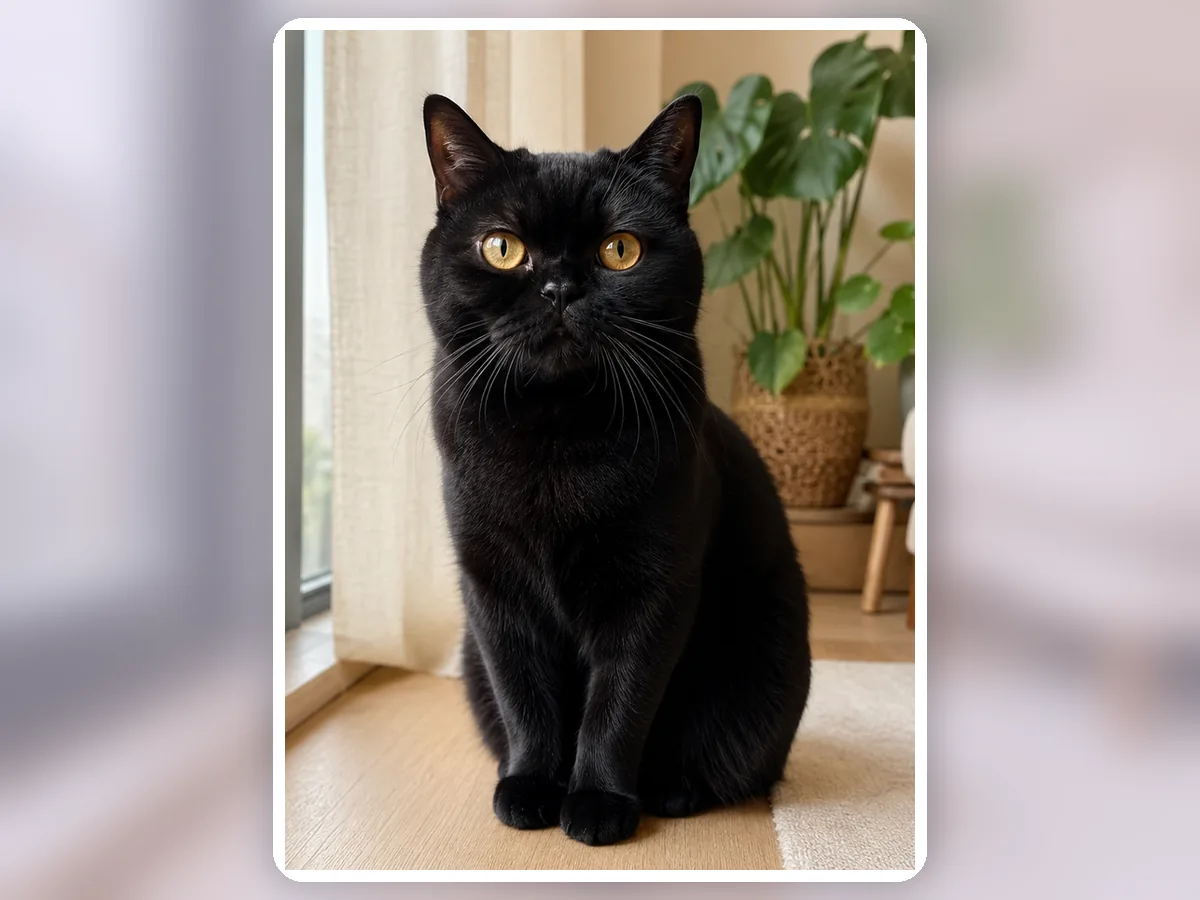
A 16:9 banner crop and 3:4 portrait crop of the same black cat.
Source photoSafe crop
Drag to compare the source and result

A hands-on framing desk

Put the expression exactly where it belongs.

Nothing is generated here. The canvas uses your original pixels and gives you direct control over the final frame.

One photo, several homes

Preview the crop as a finished composition, not just a rectangle.

The source stays visible beside practical outputs, so you can judge face clearance, ear room, and balance before saving.

Curated synthetic demonstrations — not user submissions.

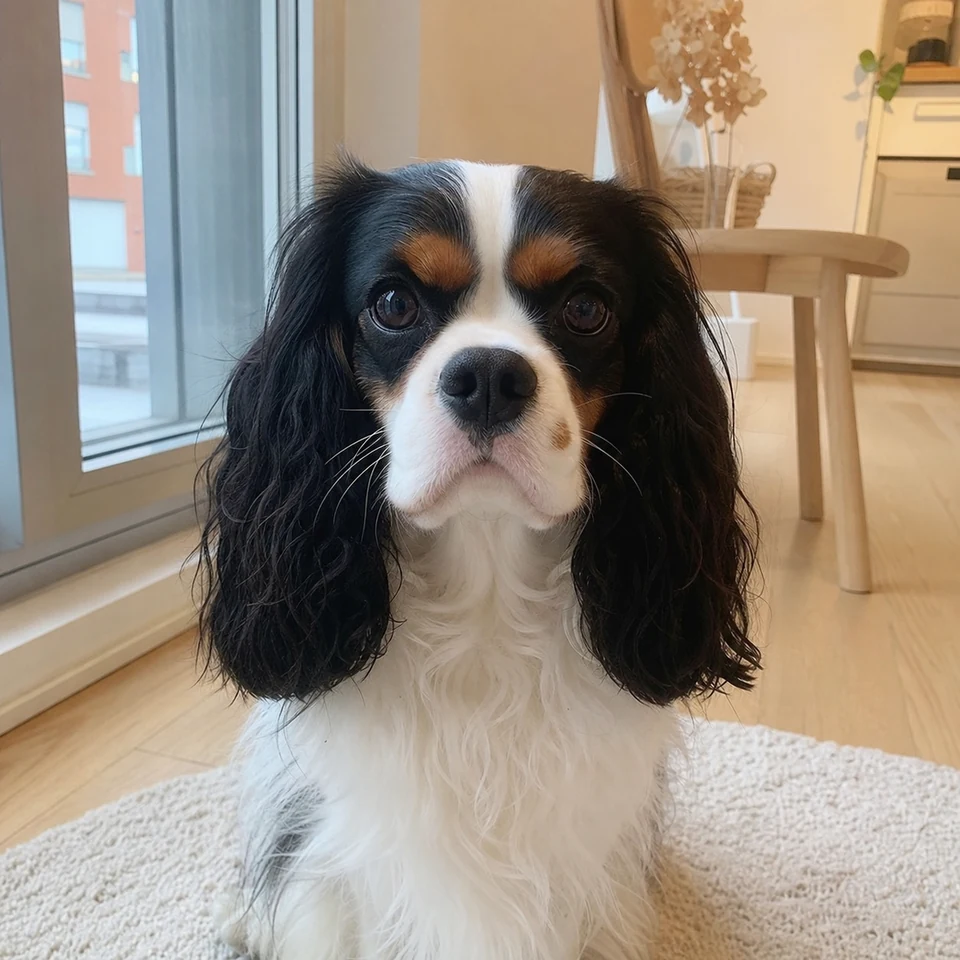
A full indoor portrait of a Cavalier King Charles Spaniel.Safe crop

1:1

4:5

Square and 4:5 crop previews that preserve the Cavalier’s ears, eyes, and chest.
01Profile and print

Keep long ears inside both square and portrait frames.

A centered face can feel cramped when feathered fur touches the edge. Comparing 1:1 and 4:5 outputs reserves the right breathing room.

Look closely

  • The eyes stay near the upper third without cutting the ear fringe.
  • Both crops keep the white chest as a visual anchor.

Synthetic demo for visual guidance. Results vary with the source photo.

A full photo of a black cat with amber eyes beside a window.Safe crop

16:9

3:4

A 16:9 banner crop and 3:4 portrait crop of the same black cat.
02Banner and story

Reframe a dark-coated pet for two very different formats.

Landscape and vertical layouts need different negative space. The crop atlas makes those decisions visible without changing the photo.

Look closely

  • The 16:9 crop uses window light as natural side space.
  • The 3:4 crop keeps both ear tips and amber eyes comfortably inside frame.

Synthetic demo for visual guidance. Results vary with the source photo.

Precise without being precious

A simple crop should still feel considered.

The controls are intentionally small: a destination ratio, a physical drag, and just enough zoom to protect the pet's expression.

Useful proportions

Move between four familiar formats without guessing canvas dimensions.

Direct positioning

Drag the photo itself, so the adjustment feels visual instead of numerical.

Clean PNG output

Export a high-resolution PNG ready for your next layout or profile image.

Before you edit

Small answers that prevent big surprises.

Turn the finished photo into art
01

Does this cropper use AI?

No. It uses the browser canvas to crop and resample the photo you provide.

02

Is my photo uploaded?

No. This cropper reads, positions, and exports the image inside your current browser tab.

03

What size is the downloaded file?

The PNG is 1200 pixels wide; its height follows the ratio you choose. The source photo still limits visible detail.