Eye color sets the whole portrait
Green, amber, blue, copper, or odd-eyed—the eyes need even light and sharp focus because owners notice a color shift immediately.
The cat portrait edit
Start with one clear cat photo and choose an art direction. We handle the prompt while the portrait keeps the eyes, whisker line, face shape, and coat pattern that make your cat unmistakable.
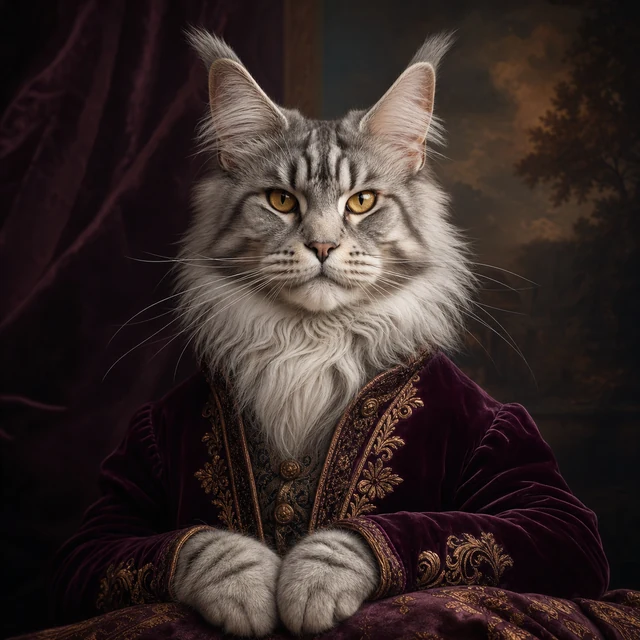
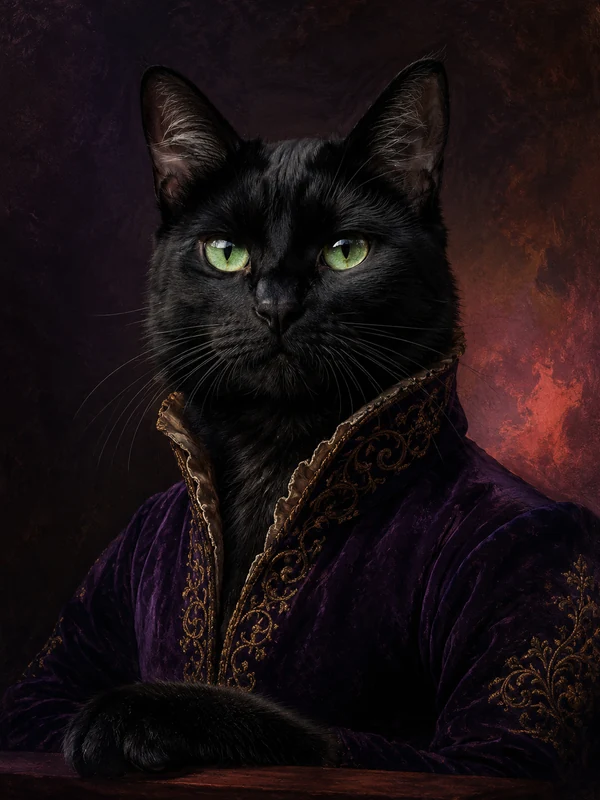 Royal study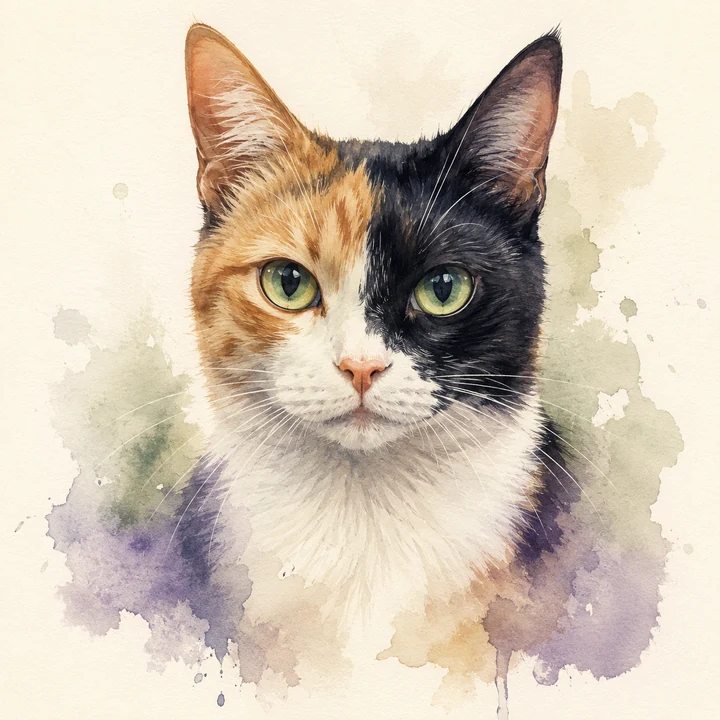
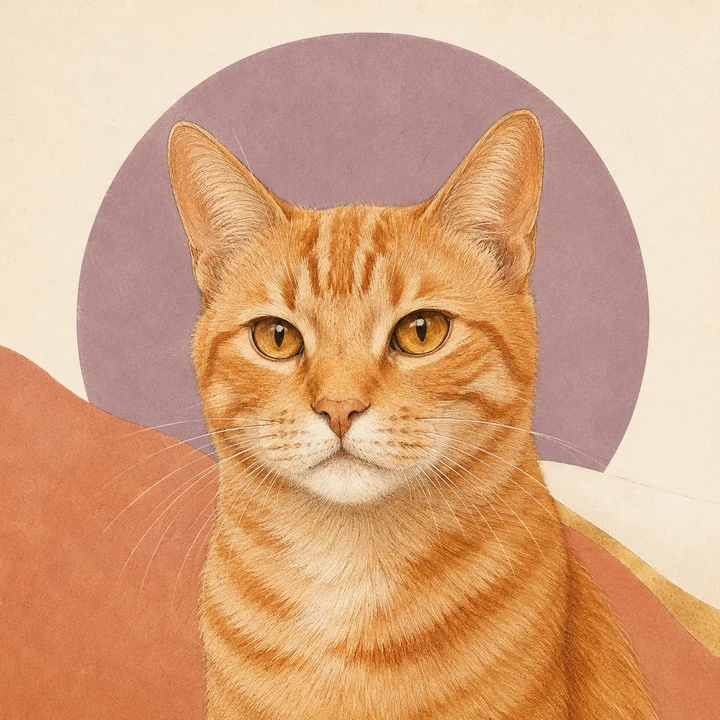
Watercolor wash
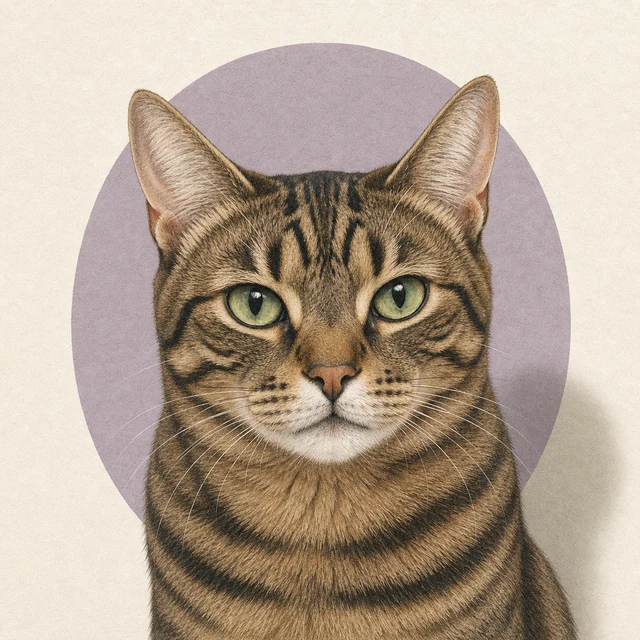
Minimal study
A study in eyes, coats, and silhouettes
Cat identity often sits in small geometry: eye spacing, muzzle shape, ear angle, whisker pads, and the exact break of a coat pattern. The strongest portraits begin with those details visible.
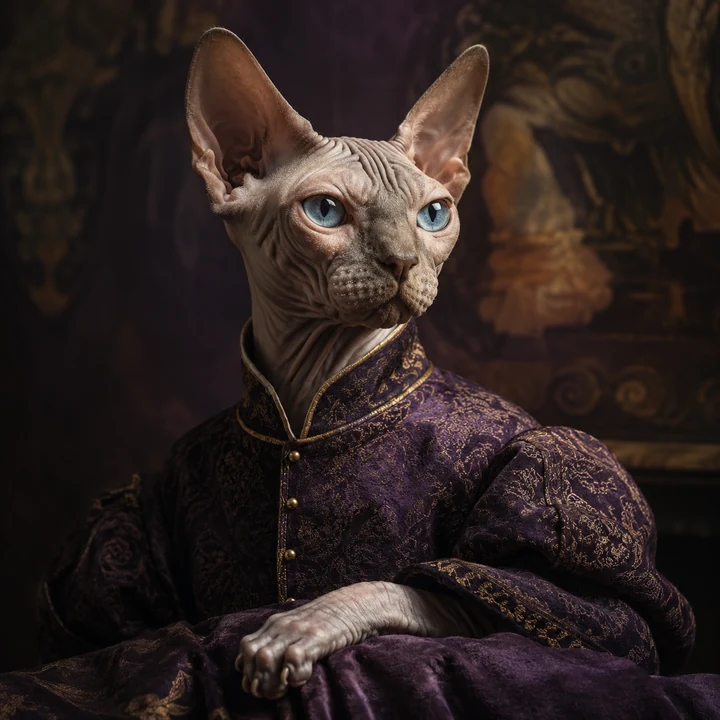
What makes a cat look like your cat
This page does not pretend to identify a breed. It gives cat-specific examples and photo advice, while the generator follows the visible features in the image you choose.
Green, amber, blue, copper, or odd-eyed—the eyes need even light and sharp focus because owners notice a color shift immediately.
A round British Shorthair face, long Siamese wedge, folded ear, or Maine Coon tips should stay readable through the style.
Tabby stripes, tuxedo masks, calico patches, and subtle black-coat texture need a clean photo without heavy filters or mixed lighting.
A simple style compass
Some cats suit theatrical color; others look most themselves in a quiet, pared-back composition. Start with posture, eyes, and coat pattern.
Your photo, your cat, your direction
Upload one photo, then choose Watercolor, Royal, Oil Painting, Cartoon, or Minimalist. The generator uses the same real portrait workflow as the main studio; this page simply gives cat owners more relevant examples and guidance.
Start with one clear pet photo. The AI handles the art direction.
Notes from the photo bench
Cats rarely pose on command, so work with their routine: familiar light, a calm place, and the lens ready before you get their attention.
Read the complete pet photo guide01
Soft window light shows eye color and black-coat texture without the green cast, noise, or harsh shadow of a dim room.
02
A small sound or toy beside the camera brings the eyes forward while keeping the face unobstructed.
03
A sharp eye and whisker line matter more than a perfectly sharp tail or background. Avoid digital zoom whenever possible.
04
Leave enough space around the head so long whiskers, folded ears, or tall ear tips are not accidentally clipped.
Cat portrait questions
A clear photo and realistic expectations make the process simpler. Here are the questions cat owners ask most often.