Expression before decoration
Bright, visible eyes and a relaxed mouth carry more personality than an elaborate background ever could.
The dog portrait edit
Start with one clear dog photo and choose an art direction. We handle the prompt while the portrait keeps the expression, markings, ears, and coat details you recognize instantly.
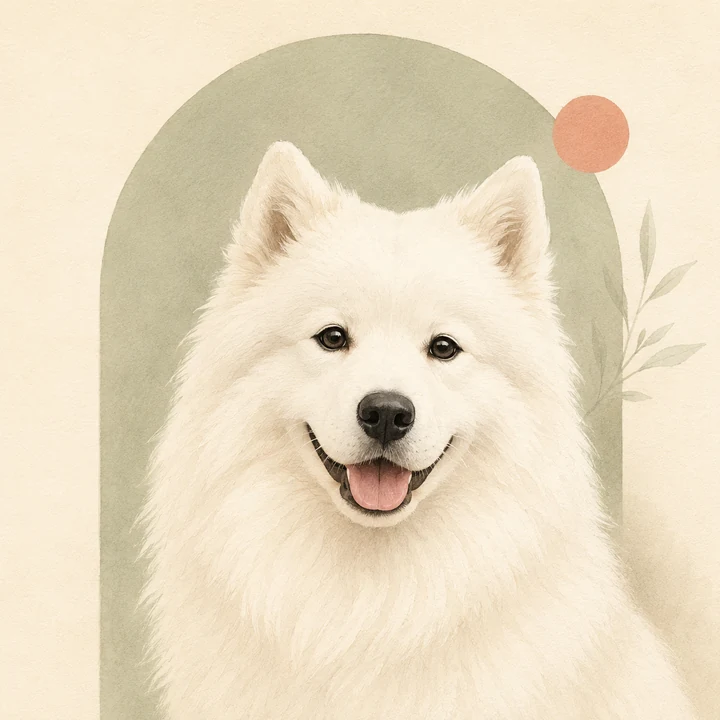
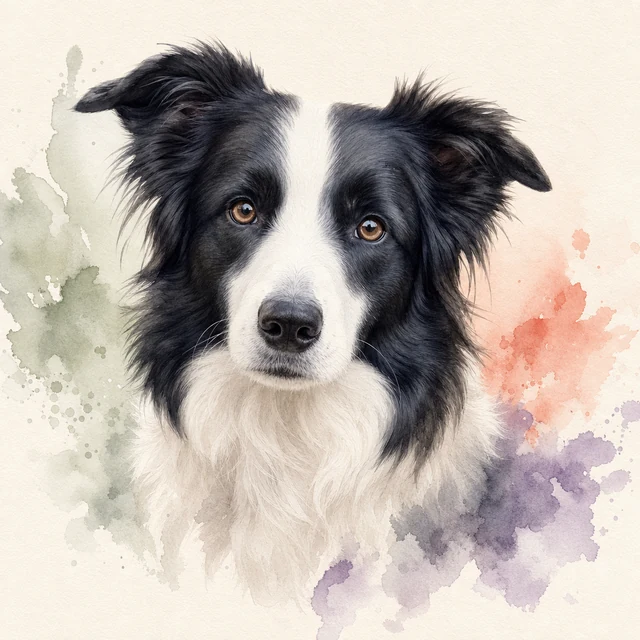
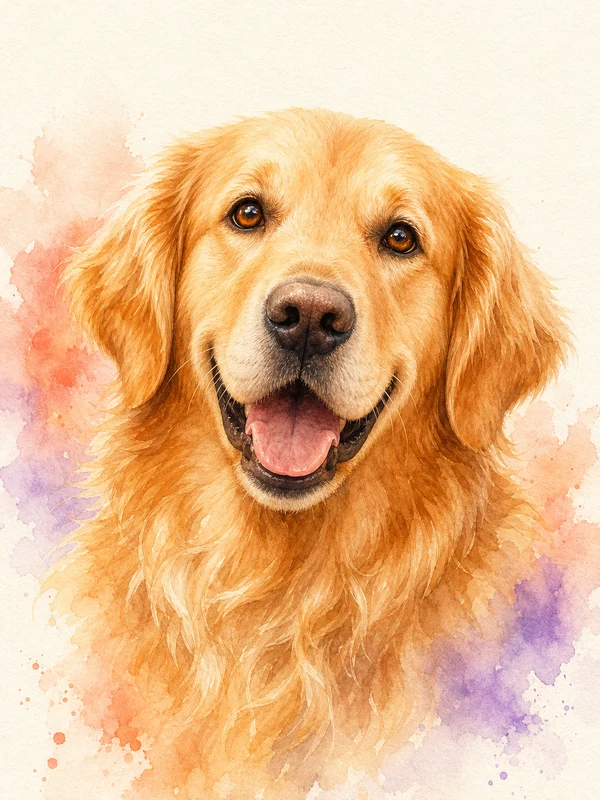 Watercolor study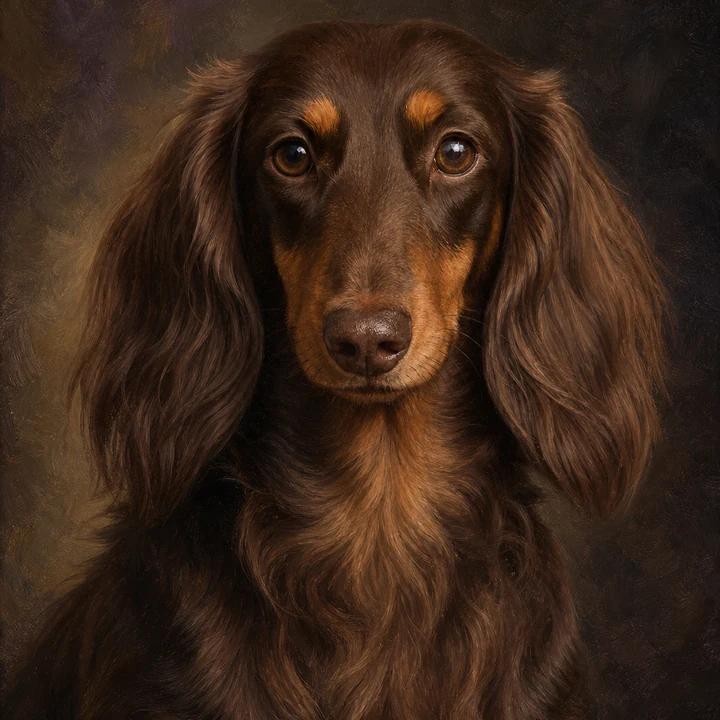
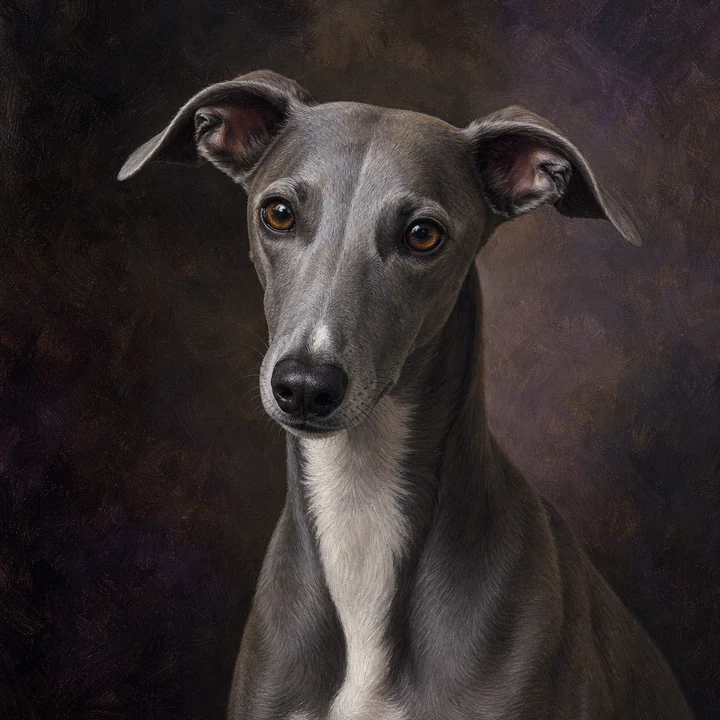
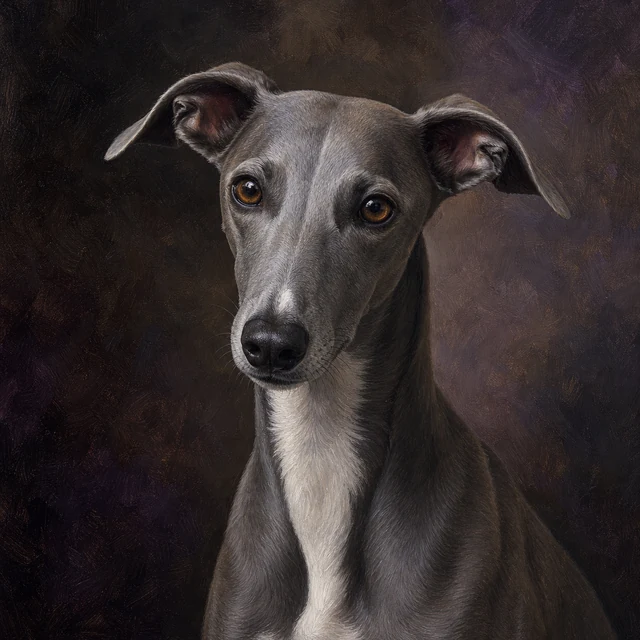
Oil portrait
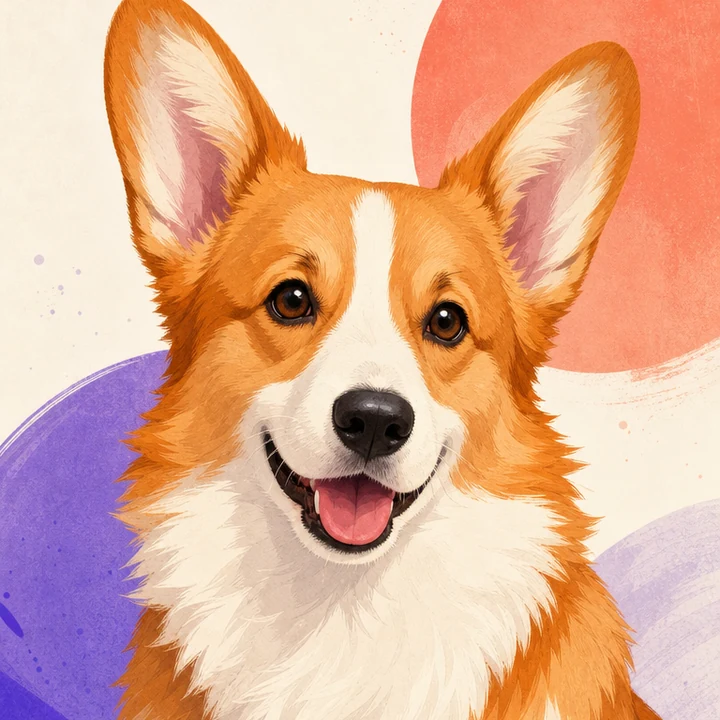
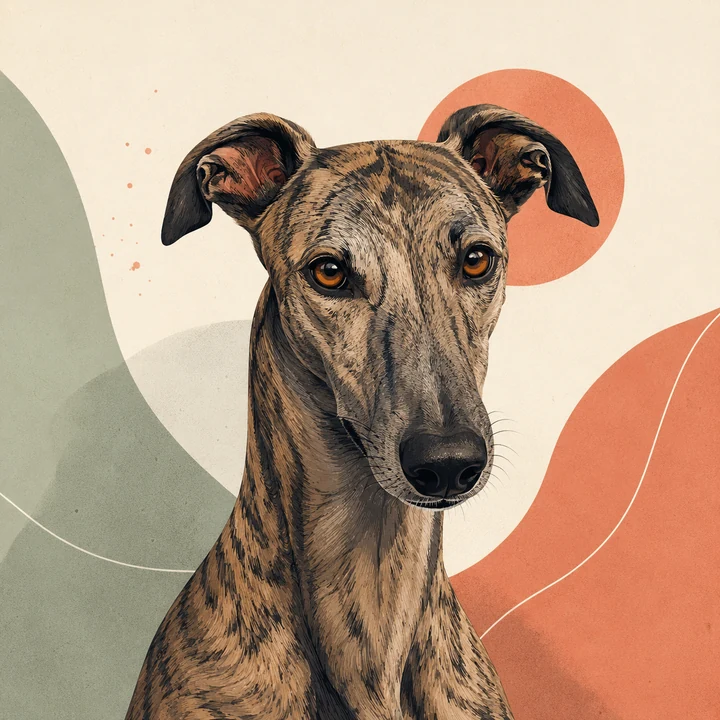
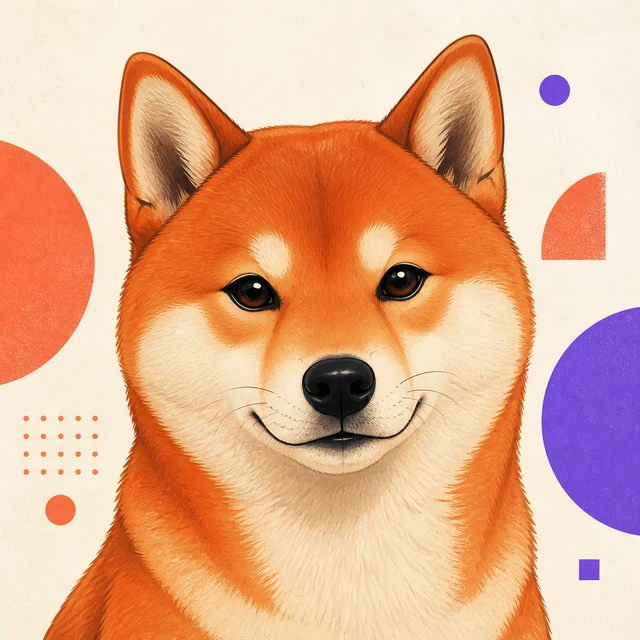
Modern cartoon
A breed-spanning collection
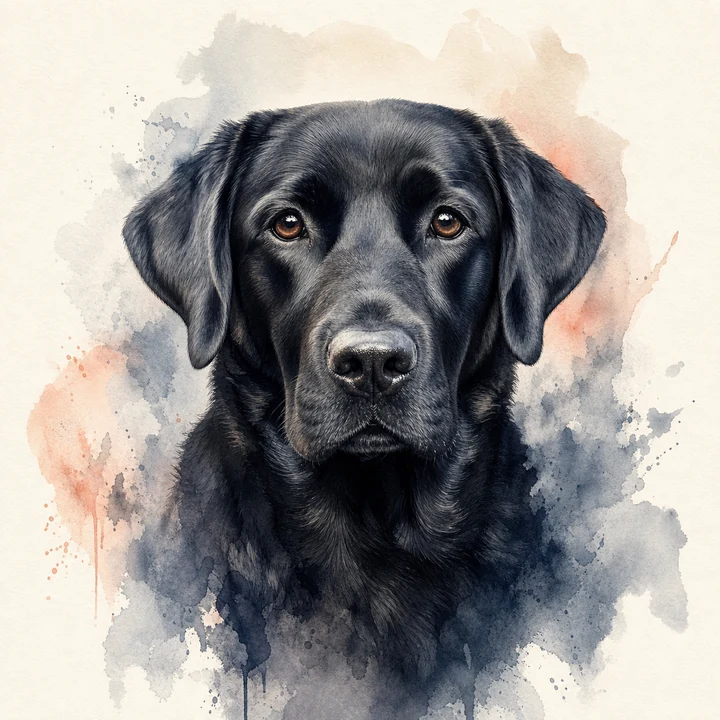
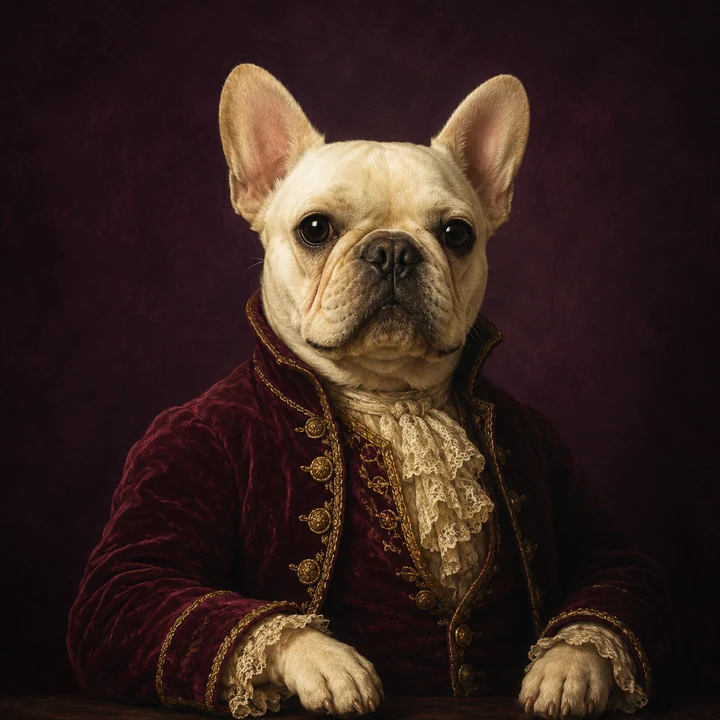
A black Lab needs different light from a white Samoyed; a greyhound carries a very different line from a French bulldog. These examples show why the source photo and art direction both matter.
What makes a dog look like your dog
This page does not guess a breed or secretly classify your upload. It gives you dog-specific examples and shooting advice; the portrait itself is guided by the visible details in the photo you choose.
Bright, visible eyes and a relaxed mouth carry more personality than an elaborate background ever could.
Upright, folded, cropped by the frame, or hidden in long fur—ears are one of the fastest ways owners recognize their dog.
Blazes, masks, socks, spots, and subtle dark-coat texture survive best when the source image is sharp and evenly lit.
A simple style compass
There is no universal best dog portrait style. Start with personality, coat texture, and where you imagine the finished portrait living.
Your photo, your dog, your direction
Upload one photo, then choose Watercolor, Royal, Oil Painting, Cartoon, or Minimalist. The generator uses the same real portrait workflow as the main studio; this page simply gives dog owners more useful examples and guidance.
Start with one clear pet photo. The AI handles the art direction.
Notes from the photo bench
You do not need a studio camera. A few deliberate choices make eyes, coat texture, and silhouette much easier to preserve.
Read the complete pet photo guide01
Soft directional light reveals dark fur and white-fur texture without hard shadows or blown highlights.
02
A level camera keeps the muzzle, head, and body in believable proportion instead of creating an exaggerated top-down view.
03
Give the composition a little breathing room around upright ears, long feathering, and the top of the head.
04
Use a treat or quiet sound near the lens, then shoot before panting, motion blur, or a toy covers the face.
Dog portrait questions
A clear photo and realistic expectations make the process simpler. Here are the questions dog owners ask most often.